Hollingsworth Richards Ford
Your Ford ownership tools live in one convenient place. Learn how the Ford app helps you stay connected to your vehicle, understand FordPass Rewards, and access your rewards account when you are ready to check your points.

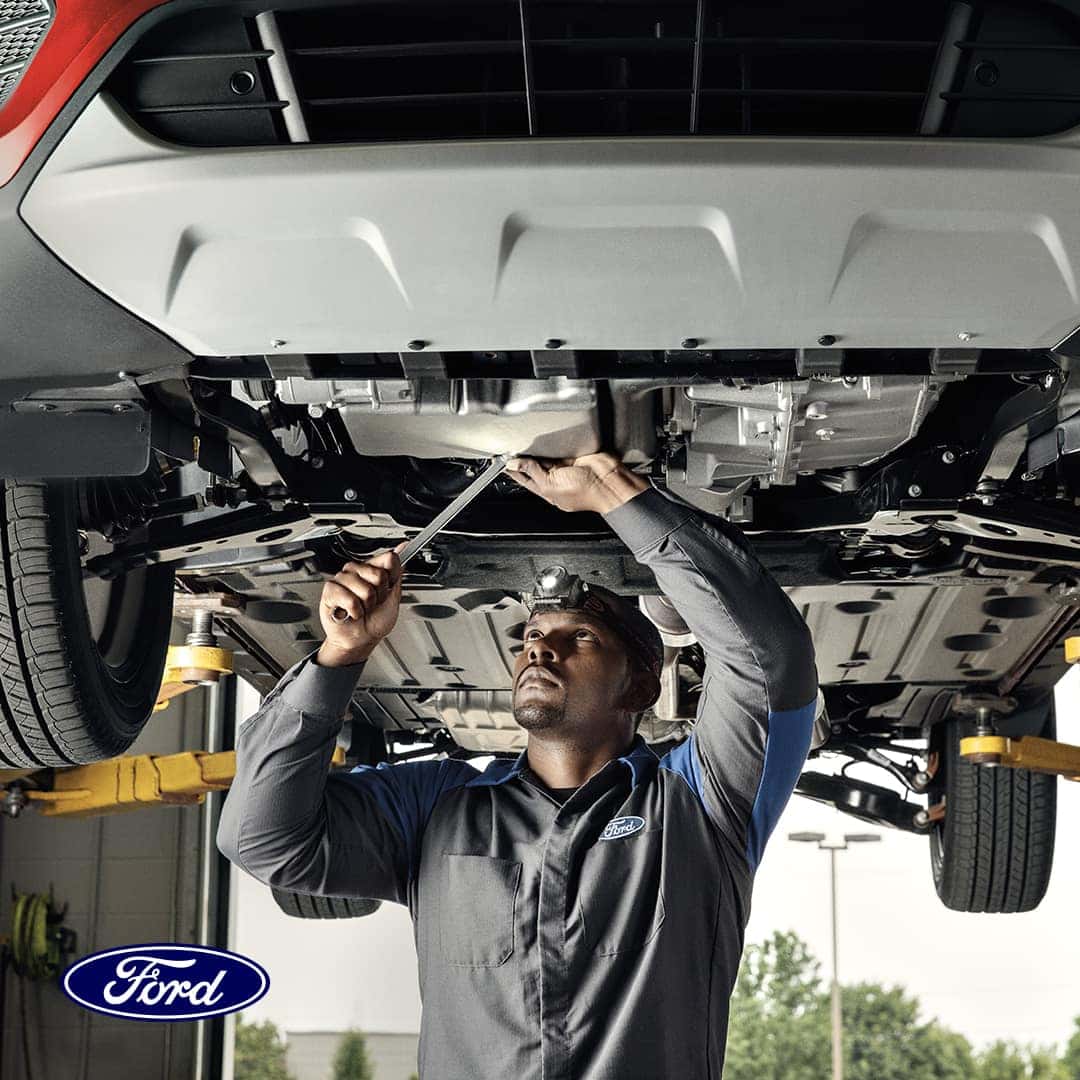
The Ford app is designed to make everyday ownership simpler. With a compatible connected vehicle, you can view helpful vehicle details, manage service needs, and use available remote features from your smartphone.
FordPass Rewards lets eligible members earn and redeem points toward things that help keep their Ford moving, including eligible service, maintenance, parts, accessories, and even a future vehicle purchase at participating dealers.
Members can earn points on qualifying Ford service, parts, and other eligible Ford activities when using a participating dealer.
Points may be used toward eligible service, maintenance, parts, accessories, or other Ford rewards when available.
Sign in to your FordPass Rewards dashboard to view your current points balance, milestones, and rewards activity.
If you are new to FordPass Rewards, start by downloading the Ford app, signing in or creating a Ford account, and activating your rewards account. If you already have an account, you can go straight to your dashboard from this page.
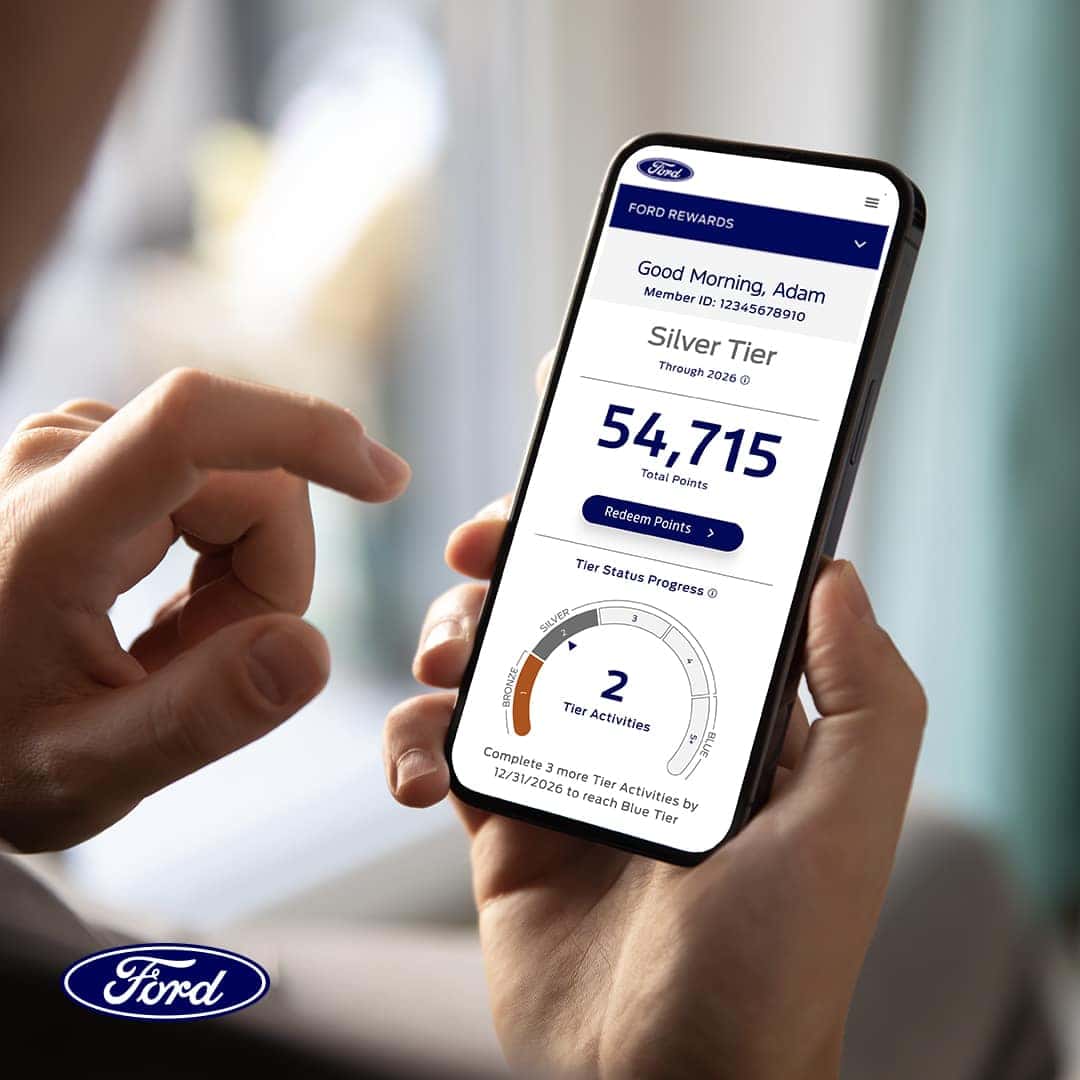
Bring your FordPass Rewards account into your next ownership moment, from routine service to shopping for accessories.
Open your FordPass Rewards account to review your current point balance.
Schedule service or talk with our team about eligible ways to use rewards.
Let your service advisor know you are a FordPass Rewards member.
Check your dashboard after qualifying activity posts to your account.
Sign in to your Ford account to view your rewards dashboard, points, milestones, and eligible account activity.
FordPass and FordPass Rewards are Ford programs. Visit Ford.com or the Ford app for official terms, conditions, eligibility, and account details.